Your cart is currently empty!
Blog
-
The Next Act
Let’s talk business.
It’s been 62 years since Dylan’s debut album, a year later, The Animals, and if that doesn’t get your soul jumping, the Stones hit the rock and roll airwaves.
Some would say what makes a great record, could be a combination of great songwriting, an exceptional recording, the final presentation, the act and what they bring to the table. On the other hand, others would argue that it’s the management and the label, always looking to push the boundaries of their artists careers, looking for the next big ‘hit’.
Should an artist (producer) find themself in a period of creative-block, financial hardships, or just a halt in progress, it may be time to review certain aspects of your career, specifically management.
A resourceful manager is someone who can recognize faults in their artists career, analyze their current content, search for better content while avoiding past mistakes and failures. This personal assessment applies to individuals and groups and should specifically target songwriting and performance.
The Business of Artist Management, 2004
Depending on who you ask, what’s better, an artist-songwriter or an artist/performer with an active songwriter? The answer is both, it is entirely up to you, the artist, or if you are working with a manager, then he will do his best to find someone compatible with your style, who can assist you in creating new material.

The Podcast Audio Editing and Mixing service is the client’s #1 choice for on-the-go projects with tight deadlines, fixed budgets, and quick turnaround times.
-
Catalog Update
Given our transition from the label website, we have taken this opportunity to update the music catalog.
At present, the public music catalog is hidden from page queries and search results, it will not be displayed; products and services are also offline. This is due to an error, a known issue, and will be resolved in the next update. If you wish to listen to our published catalog, it can be streamed on various platforms such as Apple Music and Spotify.
This update will greatly improve our current cataloging systems and better enhance backend features.
Our goal is to provide a seamless transition, while providing all of the necessary tools to manage your client portfolio.
-
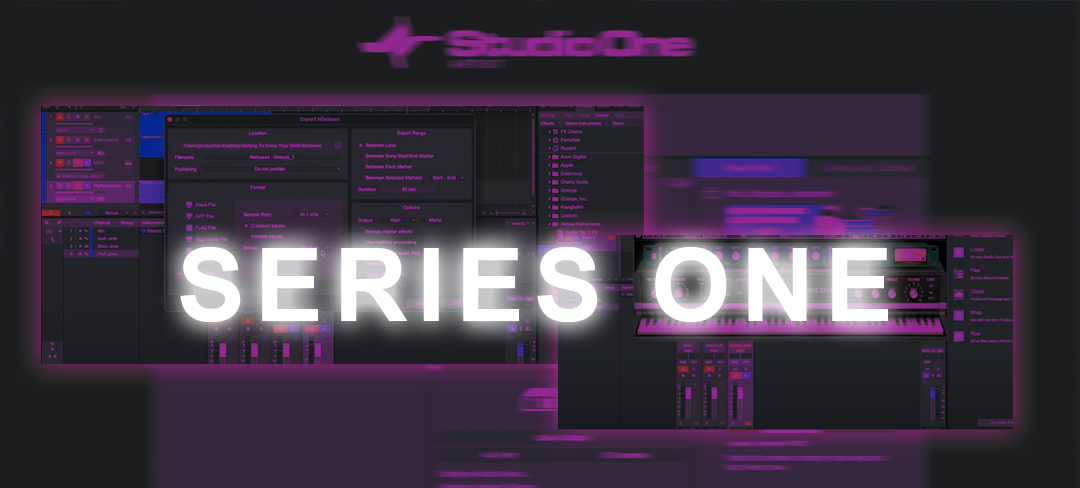
Getting to Know Your DAW, Training Course
Learn the fundamentals, navigate through any DAW easily, with these basic engineering techniques!
The Fiorella Music Group presents
“Getting to Know Your DAW” – Series One!This series will cover the basic fundamentals of your digital audio workstation (DAW), using Studio One.
Table of Contents
Lesson One – Getting to Know Your DAW
- In this lesson you will learn the fundamentals, familiarize yourself with your digital audio workstation (DAW), using Studio One.
Lesson Two – Using Peripherals
- Create stereo/mono audio tracks and use peripherals, such as microphones.
Lesson Three – Setting Up Basic Instruments & MIDI
- In this lesson, you will learn to navigate through the session, set up audio tracks, record audio using a microphone, and implement basic instrument tracks – using MIDI.
Lesson Four – Setting Up Basic Instruments & MIDI Continued
- Learn to implement basic instrument tracks and capture your performance using MIDI VSTs (plugins).
Lesson Five – Basics of Editing, Bouncing, & Exporting File Types
- Congratulations, you’ve made it this far. Now, learn the fundamentals of editing, bouncing and exporting various file types, the final process of audio engineering.
New to audio recording or just a Vet. looking to brush up on their skills, Series One – is a must have for audio engineers.

Series One – Getting to Know Your DAW
-

Publisher & Label Website Merger
As part of our recent, Major Website Updates, all Audio Recording & Production (ARP) services, user meta, content, order history and more – will be made available to its users, on the Fiorella Music Group website.
- General website theme and content updates.
- Content will now be categorized accordingly, making it easier to navigate.
- Members will have additional features and functions, not privileged to visitors. ie.) Artist Music Catalog, Publishing, Exclusive ARP services, Video Access Pass & more.
- Uploading Files directly via Google Drive & DropBox, necessary for some ARP services.
- Viewing, signing & downloading Contracts and other Legal Documents.
- Security updates.
At this time, the label will continue to operate, as normal, in-house, at its headquarters. ARP services will be available on both platforms (recording studios, website).
Official content, News & Updates, for recorded music (label) and publishing, will be found on the Fiorella Music Group website. http://www.fiorellamusicgroup.com/
-

Major Website Update
New look, new feel and more features!
Table of Contents
- Visual and theme updates
- Security updates: server, website, platform
- Data protection and encryption
- Migrate: all metadata, music catalog, user data, services & more.
- Future Updates
1. Visual and theme updates
New look and more features!
We are implementing our latest theme and updates, also adding unique platform features. This update will provide our users with more control over their user profiles, content, and music catalog.
You will now be able to submit Support Tickets from your My Account dashboard.
2. Security updates
Updated email spam and virus protection, Google Mail Server standards.
Boosted account security and verification methods.
3. Data protection and encryption
Added top-level security and encryption on all inbound and outbound data transfers, ie.) payments & transactions, uploading and downloading content (files), submitting work via Google Workspace, Dropbox, etc.
4. Migrating content
The Fiorella Music Group (Publisher) is now your home!
We will be migrating all metadata: user data, customer information, order history, music catalog and most ARP services from RA Records (label) to this website. The platform will be made available shortly, in its entirety; transition will be seamless.
5. Future Updates
- Two-Step Authentication
- Connect to your Google Workspace, Dropbox, or Microsoft One Drive, etc.; upload/download project files.
- View and sign legal documents, licenses, etc.
-
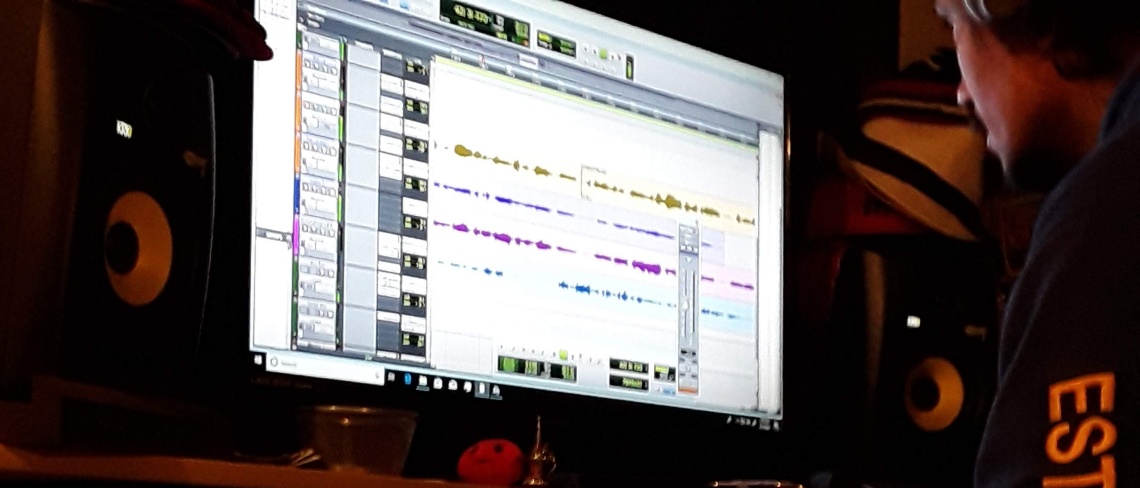
Tips to Mix Like the Pros
“How do they do it?”
Mixing in your everyday environment has become the ‘norm’ in the modern age of the audio recording industry. The space can be treated or have minimal audio treatment, yet great records are being produced.
Today’s producers have chosen simple locations that can easily be modified and/or renovated, this process allows for creativity to flow and the vibe to flourish.
1.) Space
Know your space! Recording is a delicate process and must be taken seriously, especially if your desired result is a professional master.
2.) Environment
Comfortable seating, lounge, accommodations, refreshments; these things help make the space more inviting. Access to other amenities, such as: internet, bathroom, kitchen, parking – also adds value to your business.
3.) Lighting
Hard to create if you can’t see or your eyes begin to fatigue, due to lack of light and bright screens. The use of ambient lighting to soften the room or add natural light is a perfect example of accommodating for your clients; in the long run, they will appreciate the effort after spending long periods of time in the recording studio.
4.) Equipment
I cannot begin to express enough how important your selection of audio gear and software will play, it’s a vital role during your production process. Whether you decide to go analog (vintage) or keep up with the times and go digital – ultimately, the choice is yours. There’s an audio interface and a mixer out there for everybody, just make sure you take the time to thoroughly research your selected gear.
5. ) Software
Next to your equipment, the digital audio workstation (DAW) is like the command center of all the equipment and software, such as VSTs and sound libraries. This powerful tool will be used primarily for all of your work; having a deep understanding of your DAW will have a profound impact on your workflow.
-
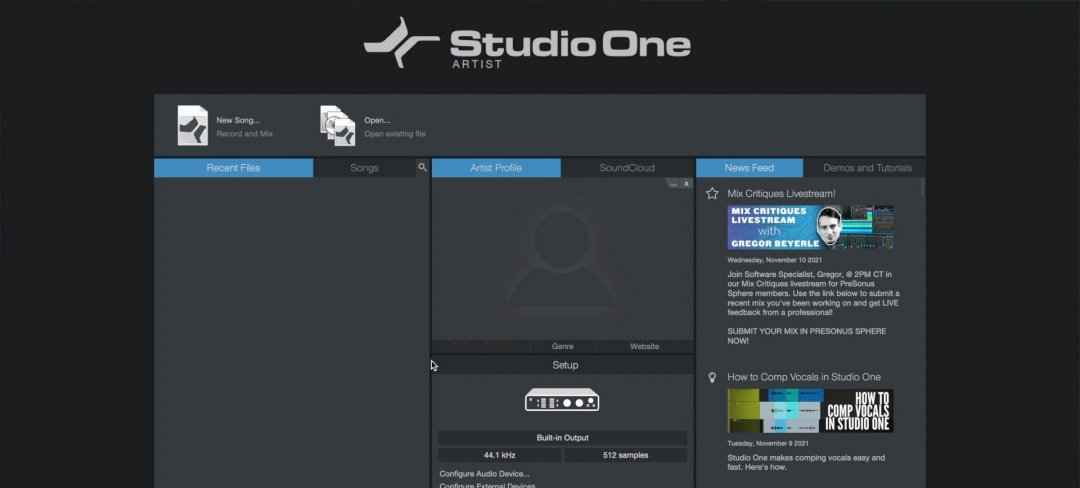
Lesson One is Here!
Introducing Lesson One, of Series One – we know, exciting!
Earlier today, at release, there was a little glitch but we’re all cleared now.
Let us dive into the fundamentals of our digital audio workstation (DAW) and get down to core of audio production, in this lesson.
Watch Here!
Happy Holidays!
-
Let The Class Begin
As we promised, Series One, “Getting To Know Your DAW”, is here!
Produced by Anthony “Rafuusa” Michael, this series will cover the basics & the fundamentals of your digital audio workstation (DAW), using Studio One.
Get yourself an energy drink or some coffee, pull up your favorite studio software and let’s begin!
Watch the trailer, here!